As a Lowe’s Creative Ideas Handyman, this month, I choose to work towards becoming energy efficient while introducing smart technology into our home. So let’s talk thermostats!

Programmable thermostats are not a new commodity, but smart thermostats are. I’ve always been interested in finding ways to be more energy efficient, so when I ran across the Nest Thermostat display at Lowe’s , it quickly got my attention. What intrigued me most was its unique look, its ease of use , and its convenient accessibility on the go. Plus, as big a part of life as smart technology has become, it just makes sense to incorporate it into our homes!
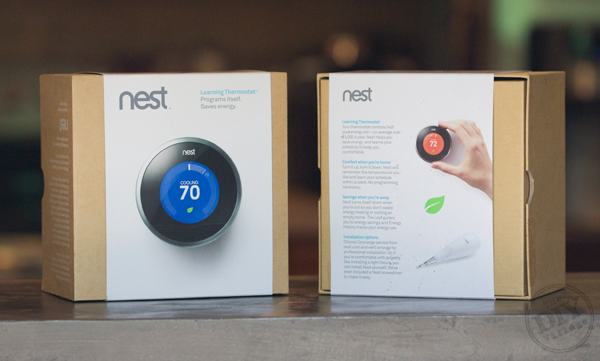
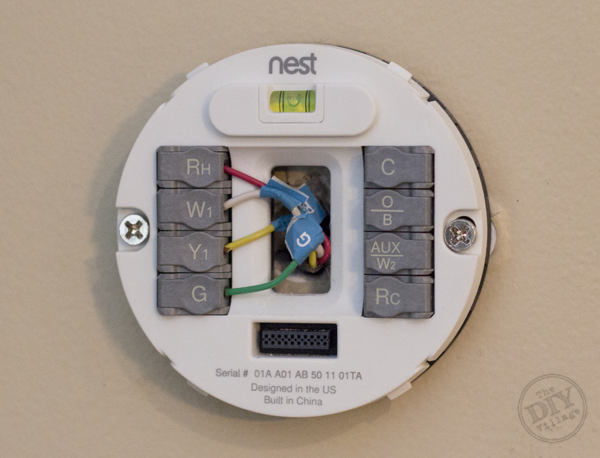
We’ve actually invested in two of the Nest Learning Thermostats, one to control upstairs, and one for downstairs. I saved some money by wiring both of the Nest Thermostat’s myself. I won’t be covering the “how to” of the installation, but I do want to point out that it was a stress free install and took less than 20 minutes each.
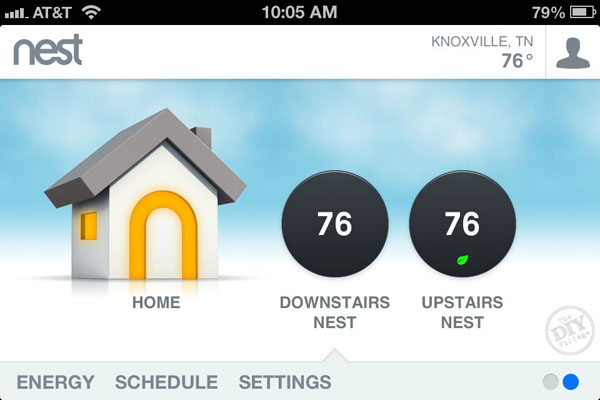
Being able to control both thermostats from the same screen is SO worth it!
So let’s talk briefly about how the Nest Thermostat works.
The smart thermostat walked me right through the setup process and began “learning” immediately.
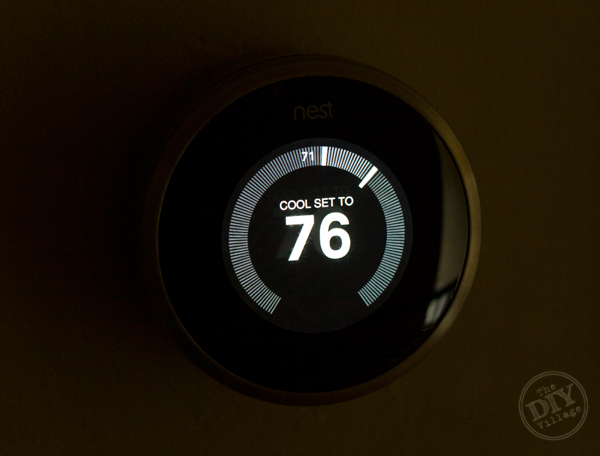
For the first couple of weeks, the thermostat is in learning mode, where it tracks the changes that you make to the temperature in your house and the time that you do it. It looks for repetition in the changes that you make.
You can also bypass the learning mode all together and customize your heating and air schedule on the thermostat itself, logging into nest.com on a computer, or by using the Nest App on the iPhone.
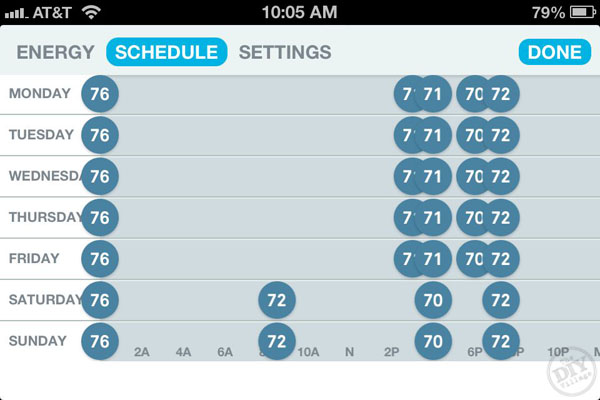
It’s also possible to login to your account at nest.com and adjust the temperature. If you find the need to occasionally bump the temperature up or down, you can do so without modifying your schedule.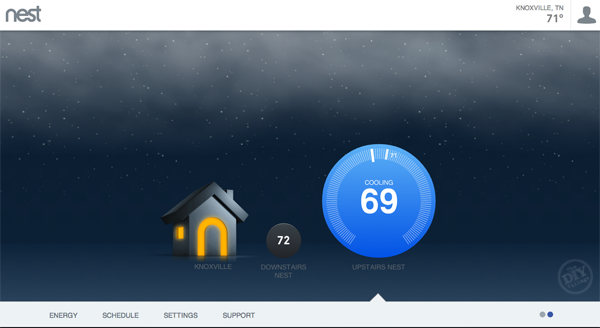
Having such a smart thermostat means no more forgetting to turn the thermostat down when you head out of town. You can simply jump on the Nest App on an iPhone and set the thermostat to my “away” temperature.
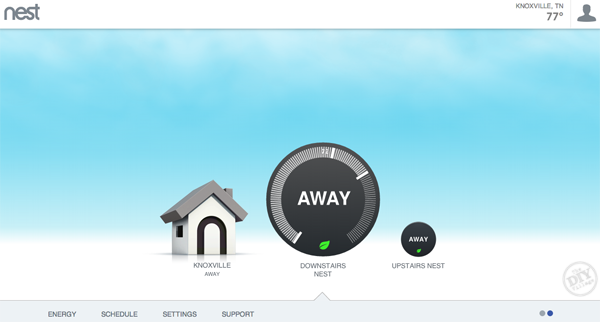
The thermostat is also equipped with an auto away feature, which if enabled uses a motion sensor to detect whether your home or not. When auto away is on, the smart thermostat defaults to a pre-determined “away” temperature, resulting in less energy consumption.
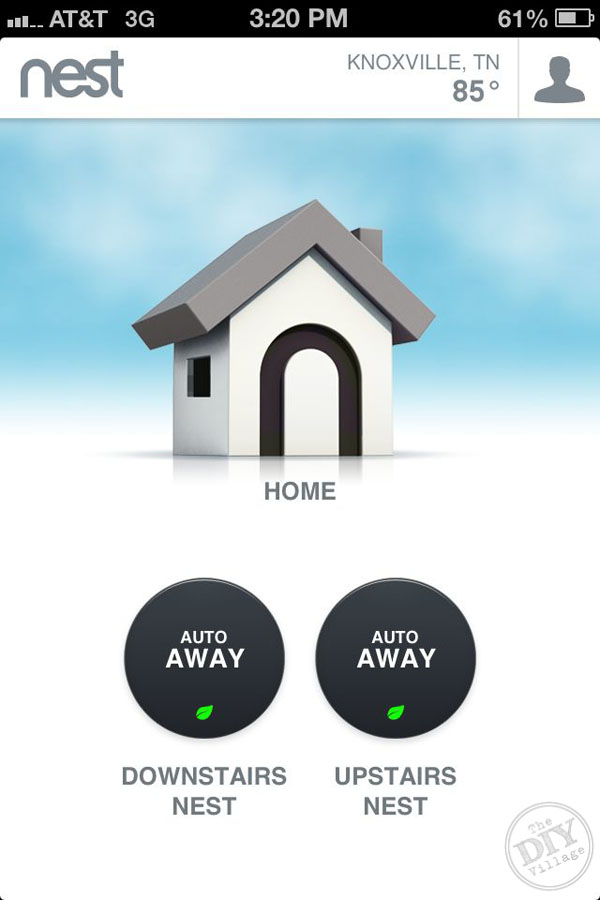
According to Jacque, another perk of having a smart thermostat like the Nest is being able to control the temperature from bed. Since she’s been pregnant, she’s been taking FULL advantage of that!
The thermostat will even track your energy usage, so you can see if your consumption is above or below your weekly average. And if it’s hotter or cooler outside, resulting in more energy consumption, it shows that within your report!
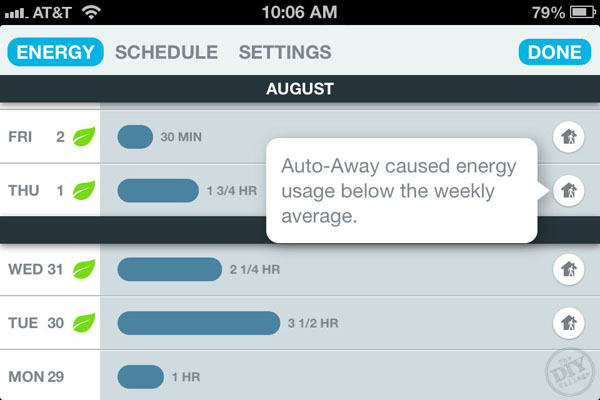
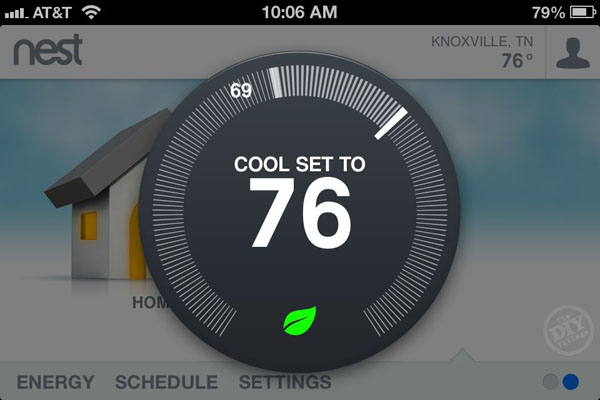
When you see the green leaf, it means you’re saving energy! So, when you see green, you’re saving green!
Still not sold on add a smart thermostat to your home? Take a look at what fellow Lowe’s Creative Ideas Bloggers, Reichel from CopyCatChic and Jennifer from Tatertots and Jello had to say about their Nest Thermostats!
What steps have YOU taken in your home to become more energy efficient? Let us know, we’d love to hear from you!
Looking for more DIY ideas? Follow Lowe’s Home Improvement on Instagram and head on over to the Lowe’s Creative Ideas Bloggers page to find some other amazing project ideas!

Disclaimer: As a member of the Lowe’s Creative Ideas Creators and Influencers network, I received a Lowe’s gift card which helped offset the cost of the products discussed here within , however the images, instructions and opinions are my own
You are convincing me I need one of these….
Ha ha Angie! I didn’t know I needed one, let alone two…But, it was love at first sight! 🙂
That looks awesome!! I’m down for anything that gives me an app on my phone to go along with it!!
Hey Matt,
I’m loving your post! As a tech geek this is a dream DIY project. Being able to control your home’s thermostat from Panera is way too cool-LOL.
Ahhhh. We spoke at Haven about this (in the Ryobi/Kreg class). I’m on the Gen 1 hunt!
Sounds like a great product!